mendeley for word
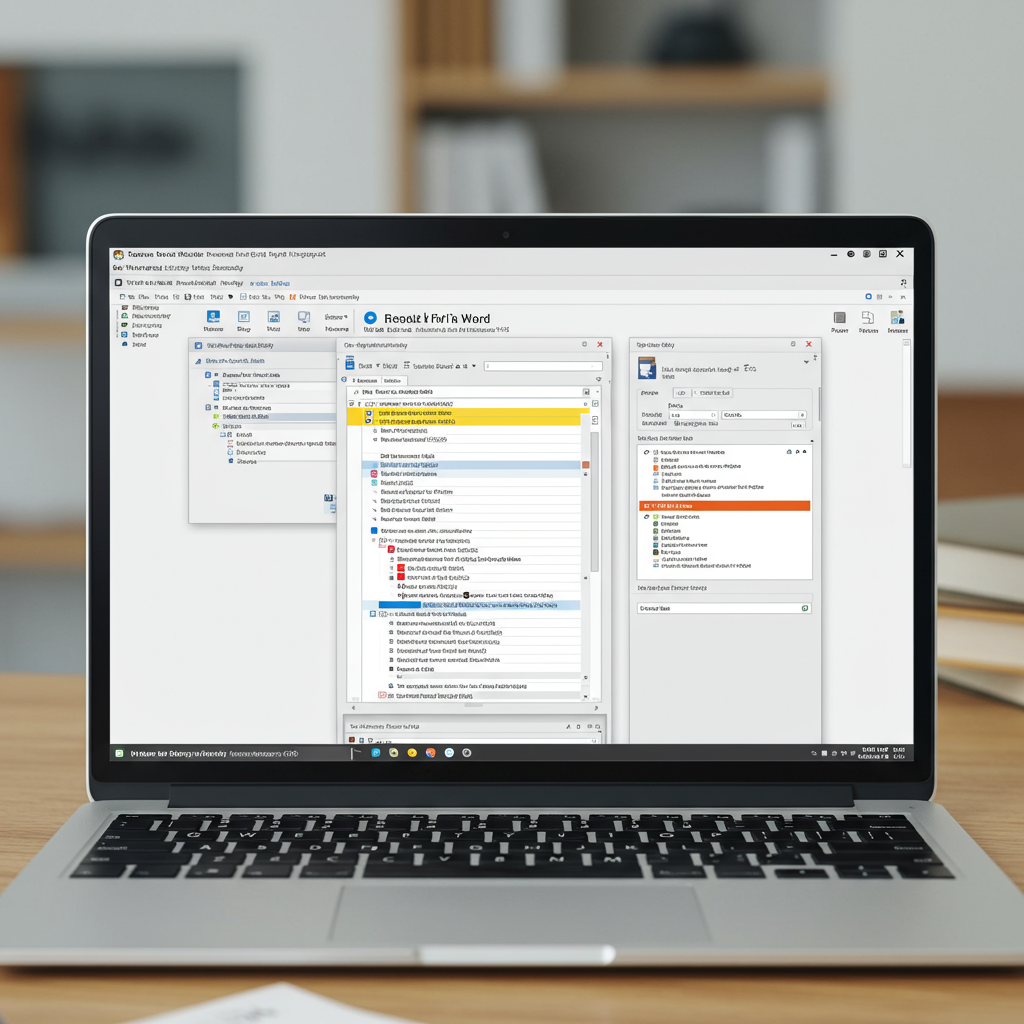
Mendeley for Word: Streamlining Your Academic Writing Process
For researchers, students, and academics, managing citations and bibliographies can be one of the most tedious and time-consuming aspects of writing papers, theses, and dissertations. Fortunately, tools like Mendeley offer powerful solutions to simplify this process, particularly through its integration with Microsoft Word – often referred to as "Mendeley for Word."
Mendeley is a free reference manager and academic social network that helps you organize your research, collaborate with others online, and discover the latest research. One of its most valuable features is the Mendeley Cite-O-Matic plugin (or the newer Mendeley Cite add-in for newer Word versions), which seamlessly integrates with Microsoft Word.
Once installed, the Mendeley plugin for Word allows you to easily insert citations from your Mendeley library directly into your document as you write. You can search your library by author, title, or keywords without leaving your Word document. With just a few clicks, you can add inline citations in virtually any citation style (like APA, MLA, Chicago, IEEE, and thousands more) as required by your journal or institution.
But the benefits don't stop at inserting individual citations. As you add citations, the Mendeley plugin keeps track of them. When you're ready to finalize your paper, it can automatically generate a bibliography or works cited list based on all the sources you've cited in your document. This bibliography is dynamically linked to your citations; if you add or remove sources, you can simply refresh the bibliography to update it instantly. Changing the citation style for your entire document (including both inline citations and the bibliography) is also incredibly simple – just select a new style from a dropdown menu.
Using Mendeley for Word eliminates the need for manual formatting, drastically reduces the chance of errors in your citations and bibliography, and saves significant time and effort. This allows you to focus more on the content of your writing rather than the mechanics of referencing. Whether you're working on a short essay or a lengthy research paper, mastering Mendeley for Word is an essential skill for efficient and accurate academic writing.
Getting started is straightforward: download and install the Mendeley Desktop software, sign up for a free account, and then install the Word plugin directly from within the Mendeley Desktop application (Tools -> Install Microsoft Word Plugin) or via the Microsoft AppSource for the newer Cite add-in. By leveraging the power of Mendeley and its seamless integration with Word, you can take control of your references and elevate the quality and efficiency of your academic work.
